MonoChat Toolkit

Ready-made AI tools and flow nodes for your own flows: web search, opening hours, handover, webhooks, routing and more.
Overview
MonoChat Toolkit is a library of ready-made AI tools and flow nodes for your own flows. Install it once and pick what you need: add the AI tools to any AI Agent or AI node, and the flow nodes to your flows as Function nodes.
Nothing runs because the app is installed. Each piece works only where you put it.
Highlights
- Live answers. Web search and page reading give your AI current information instead of guesses.
- Exact numbers. A calculator and a currency converter do the maths, so totals, discounts and instalments are right.
- People when it matters. Handover within your opening hours, or a message taken for the team when nobody can answer now.
- Smarter flows. Routing, A/B splits and mood checks as flow nodes, each with its own settings.
Install and set up
- Install MonoChat Toolkit from Settings › MonoStore › Apps, or open the install link app.monochat.ai/apps/eLsZyytnJBoLbgQqW. Without a MonoChat account, the link lets you sign up first and installs the app for you. Nothing runs because the app is installed; each tool or node works only where you put it.
- Open Toolkit › Tools and nodes, pick a topic and set up the pieces marked Needs setting up that you want. Their settings live on the other Toolkit tabs: Web search, Business hours, Appointment times, Branches, Handover, Customer fields, Email, Google Sheets, Webhooks and AI model. Campaign codes go on Coupons.
- To give an AI Agent or AI node a tool, open the node in your flow and add the Toolkit tool under Tools.
- To use a flow node, add a Function node to a flow under Settings › Automation › Flows and pick a Toolkit node. Its settings and outputs appear in the node. See Flows.
- Follow what the tools collect under Requests in the left menu: Messages taken, Leads, Appointments and Surveys.
- Web search is billed by the provider you choose; the key is not shown again on the app’s screens.
- The AI router and mood check nodes make one short AI call each time they run.
- Updating the app keeps your flows and AI nodes pointing at the same tools.
Features
Web search
Searches the web live, or only the sites you list, through Brave, Tavily or Serper with your own API key.
Read a web page
Opens a page on your sites and reads its text.
Date, time and opening hours
Today’s date and time where you are, and whether you are open.
Calculator and currency converter
Exact totals, discounts and instalments, and amounts at a daily reference rate.
Customer profile and saved details
The AI sees what you know about the customer and saves what they tell it, only into the fields you allow.
Handover and take a message
Transfers to your team or a person within your opening hours, or writes the request down for the team.
Flow nodes
Send to a webhook, open or closed, AI router, mood check, once per customer, A/B split, message type, new or returning customer, note for the team, save email and phone.
Settings screens
Tools and nodes shows what still needs setting up; Web search, Business hours, Handover, Customer fields, Webhooks and AI model hold the few choices some tools need.
Screenshots
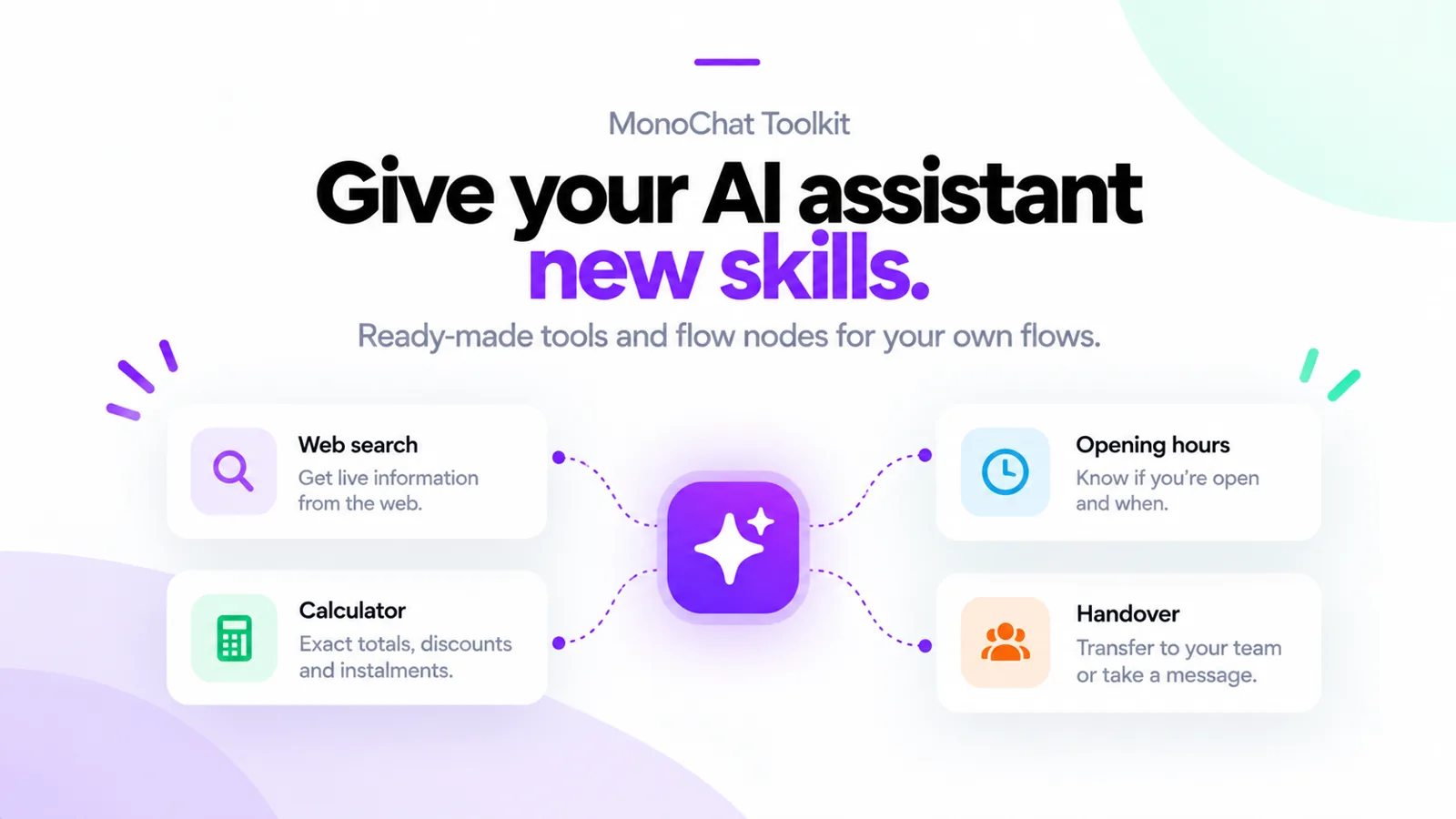 MonoChat Toolkit gives your AI assistant new skills: web search, opening hours, a calculator and handover
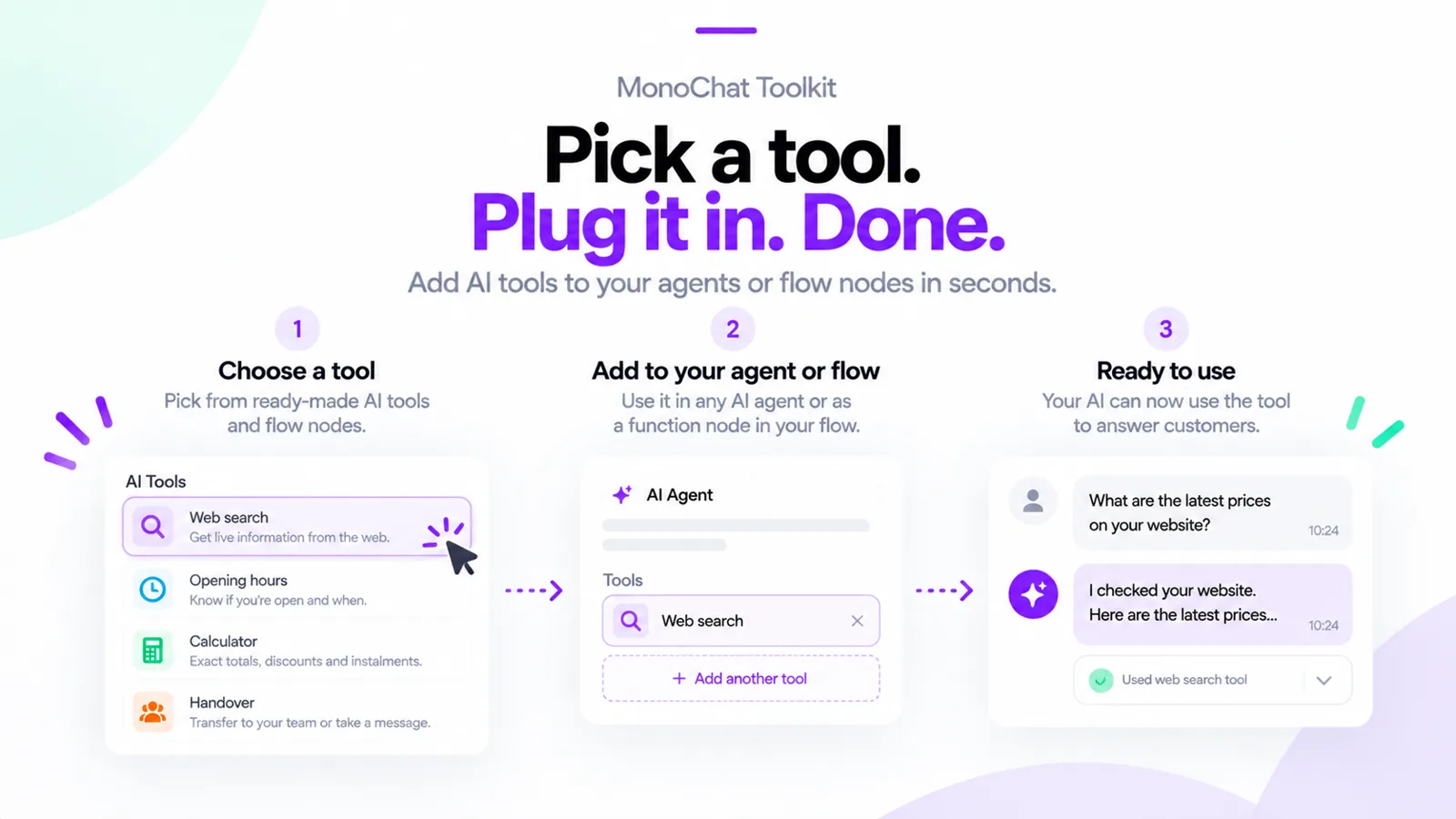 Pick a tool, add it to your AI agent or flow, and the AI uses it to answer customers
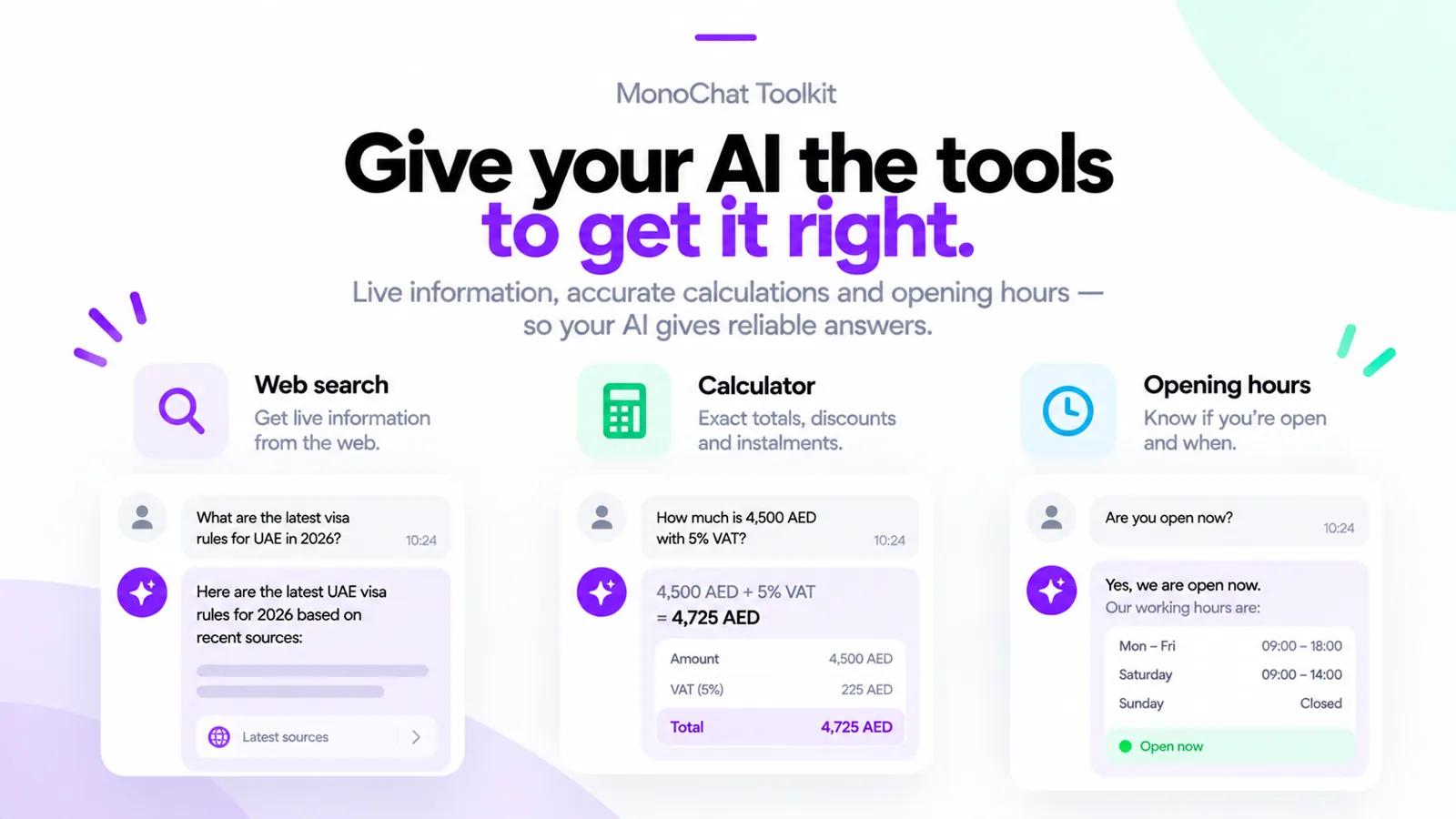 Web search, calculator and opening hours tools giving the AI live information, exact totals and working hours
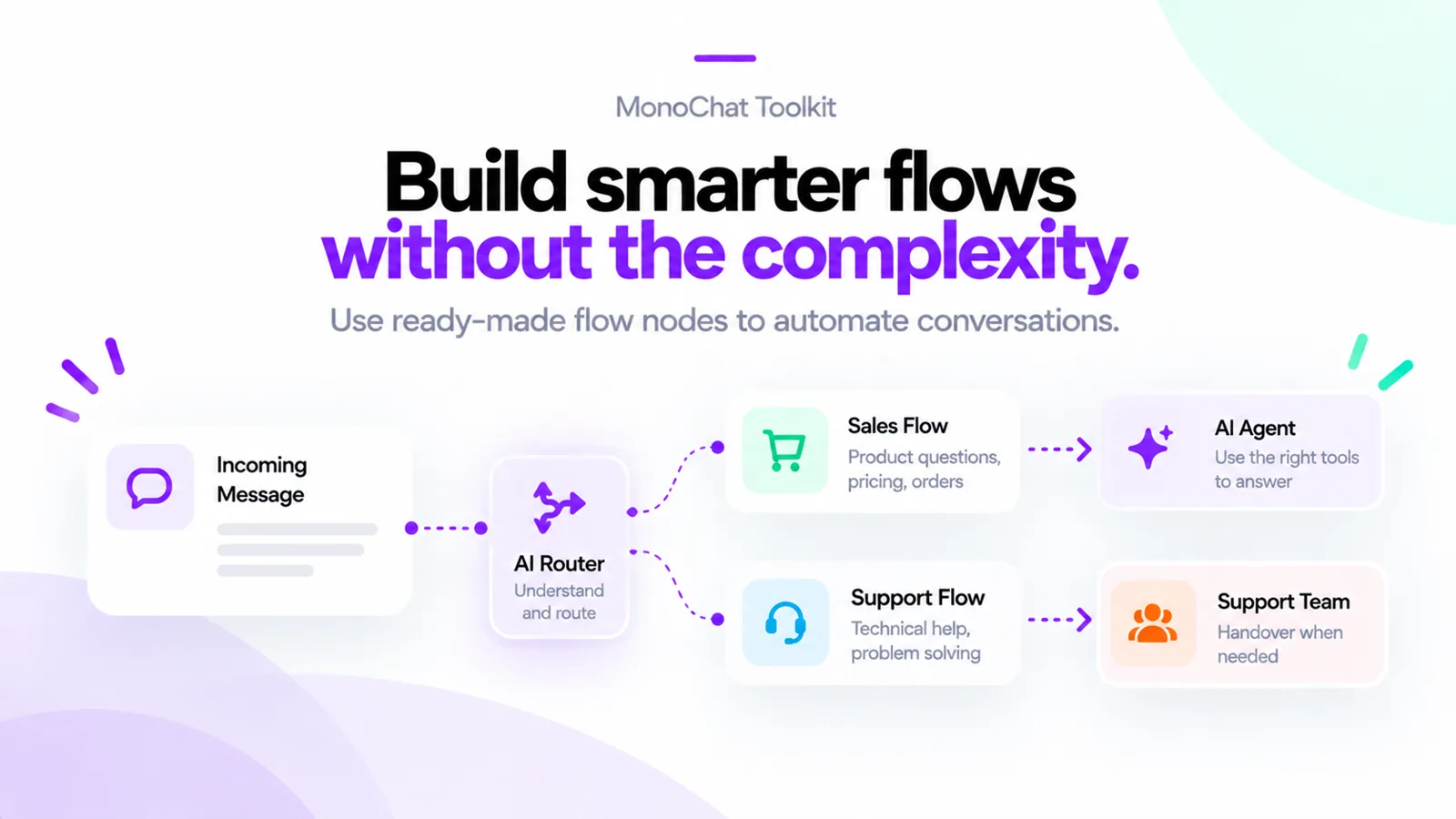 Ready-made flow nodes: an AI router sends incoming messages to a sales flow or a support flow
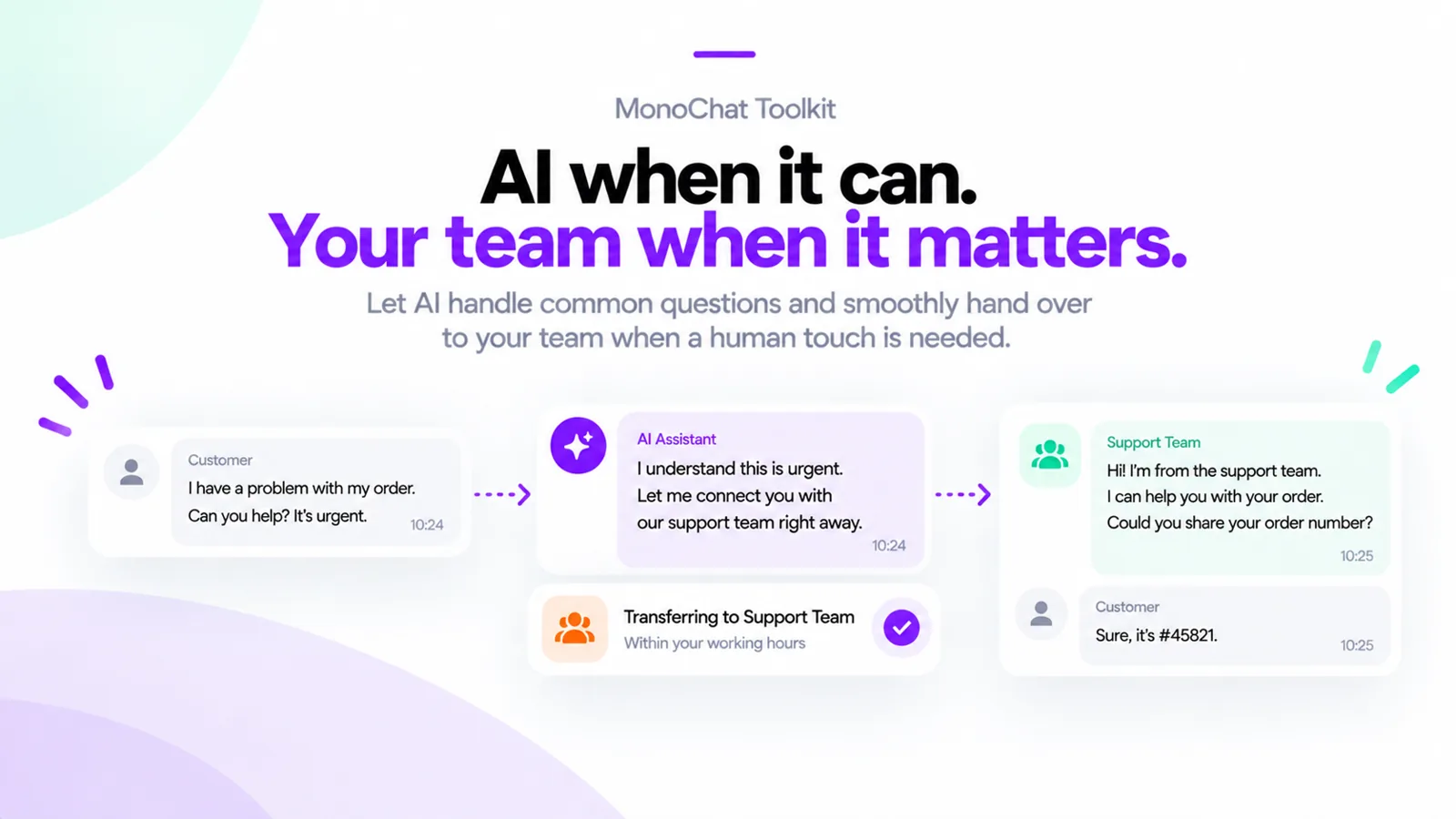 The AI hands an urgent conversation to the support team within working hours
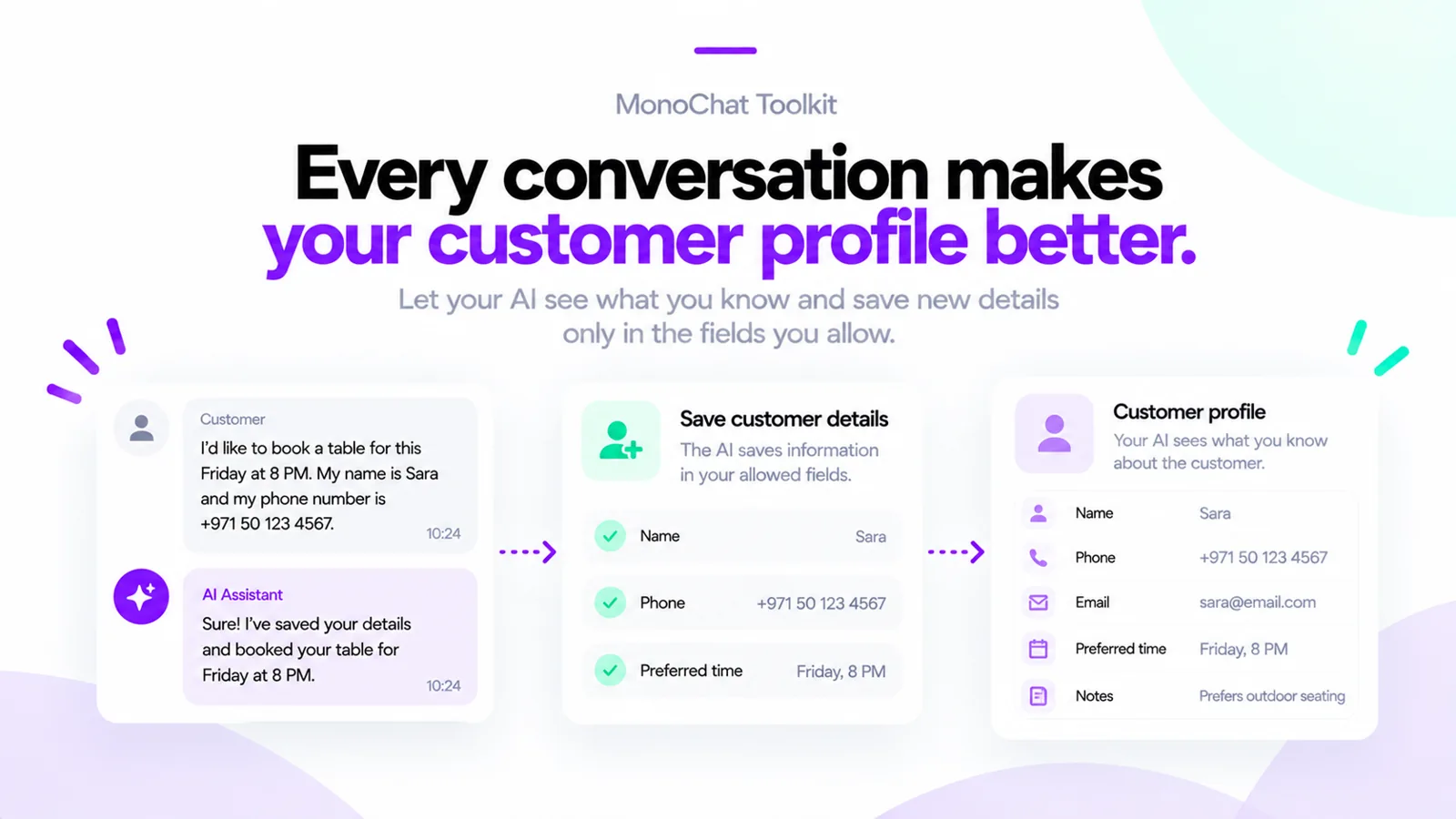 The AI saves customer details into allowed fields and sees what you already know about the customer
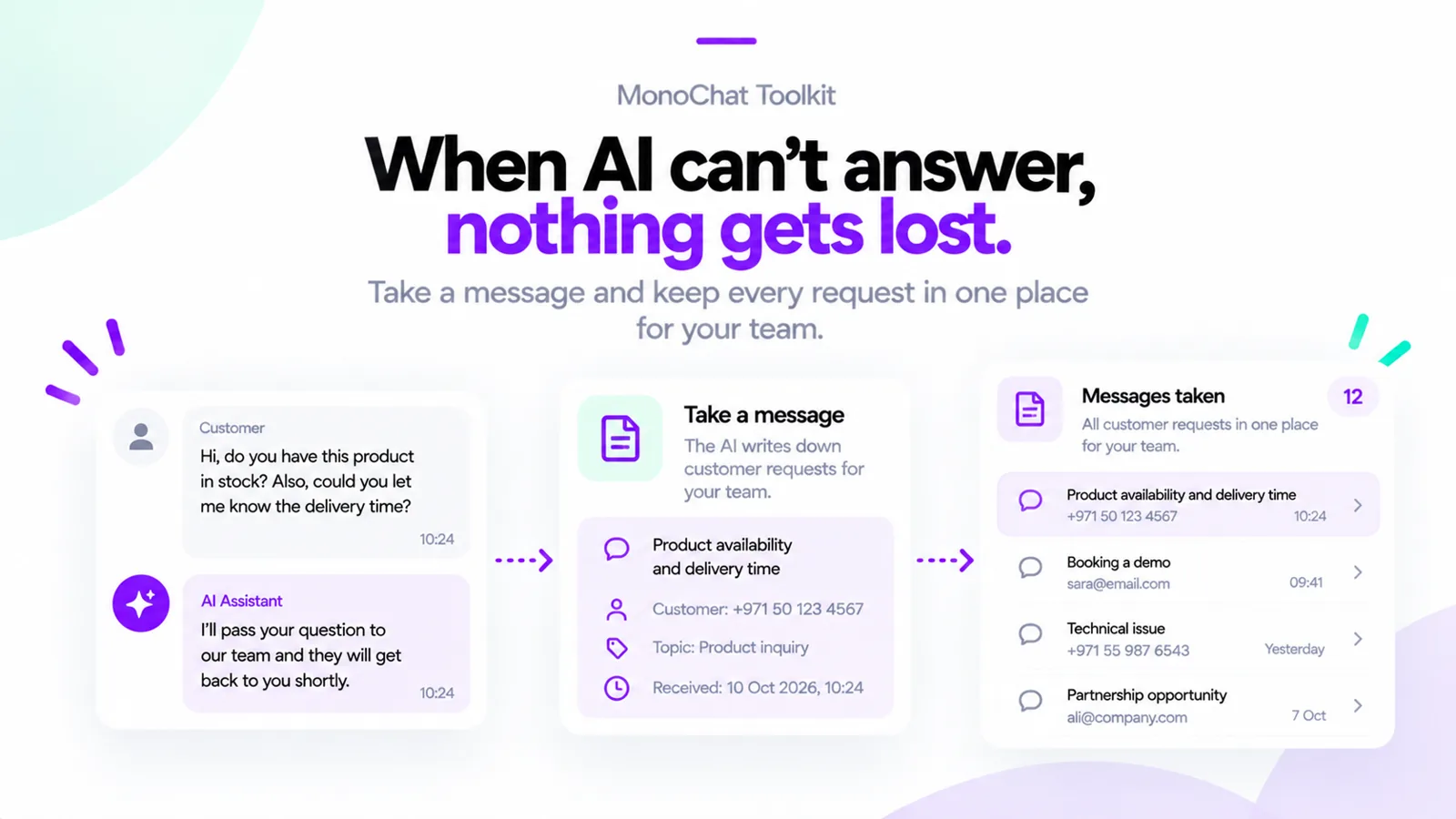 When the AI cannot answer, it takes a message and the request appears under Messages taken
FAQ
Does installing the Toolkit change my existing flows?
No. Nothing runs because the app is installed. Each tool or node works only where you add it.
Which web search providers are supported?
Brave, Tavily and Serper, with your own API key. You can let it search the whole web or only the sites you list.
Can the AI hand a conversation to a person?
Yes. The handover tool transfers to your team or a person within your opening hours, and the take-a-message tool writes the request down for the team when nobody can answer now.
Which tools use extra AI calls?
The AI router and mood check flow nodes make one short AI call each time they run. Web search is billed by the provider you choose.
What happens to my flows when the app is updated?
Updating the app keeps your flows and AI nodes pointing at the same tools.