MonoChat Tasks
Turn conversations into tasks: assign them to your team, track their state, discuss them with comments and set reminders, right next to the chat.
Overview
MonoChat Tasks turns customer conversations into work your team can follow. Create a task for a customer, assign it to a teammate, attach files and move it through your own task states until it is done.
The customer and the chat the task came from are always one click away.
Highlights
- Tasks from conversations. Each task is linked to the customer and the conversation it came from.
- Your own states. Define the task states that fit your process, such as open, in progress and done.
- Comments and reminders. Discuss a task with your team and set reminders so no customer promise is forgotten.
Install and set up
- Install MonoChat Tasks from Settings › MonoStore › Apps, or open the install link app.monochat.ai/apps/BQdMaSvRzBEAMBqTa. Without a MonoChat account, the link lets you sign up first and installs the app for you.
- Open TODO in the left menu and go to Settings. Three task states are created on install: Pending, In Progress and Done. Rename them or add your own; each state has a name, key, description, colour and sort order.
- Open a conversation and click Customer Tasks next to the chat. Create a task with a title, a description and files; it is linked to the customer and the conversation and given to an agent.
- Follow the work under TODO › Tasks, open a task to see its details, comments and files, and see upcoming and overdue reminders under TODO › Reminders.
The app's screens are in English.
Features
Create tasks for customers
Give each task a title, a description and files, linked to the customer and the conversation.
Assign to your team
Every task has an agent responsible for it.
Track with your own states
Change a task’s state as work moves on.
Discuss with comments
Talk about a task with your team inside MonoChat and see which comments are new.
Reminders
Add a reminder with a date and a note, and see upcoming and overdue reminders in one place.
Customer Tasks button
A button in the chat shows the current customer’s tasks and lets you add one.
Screenshots
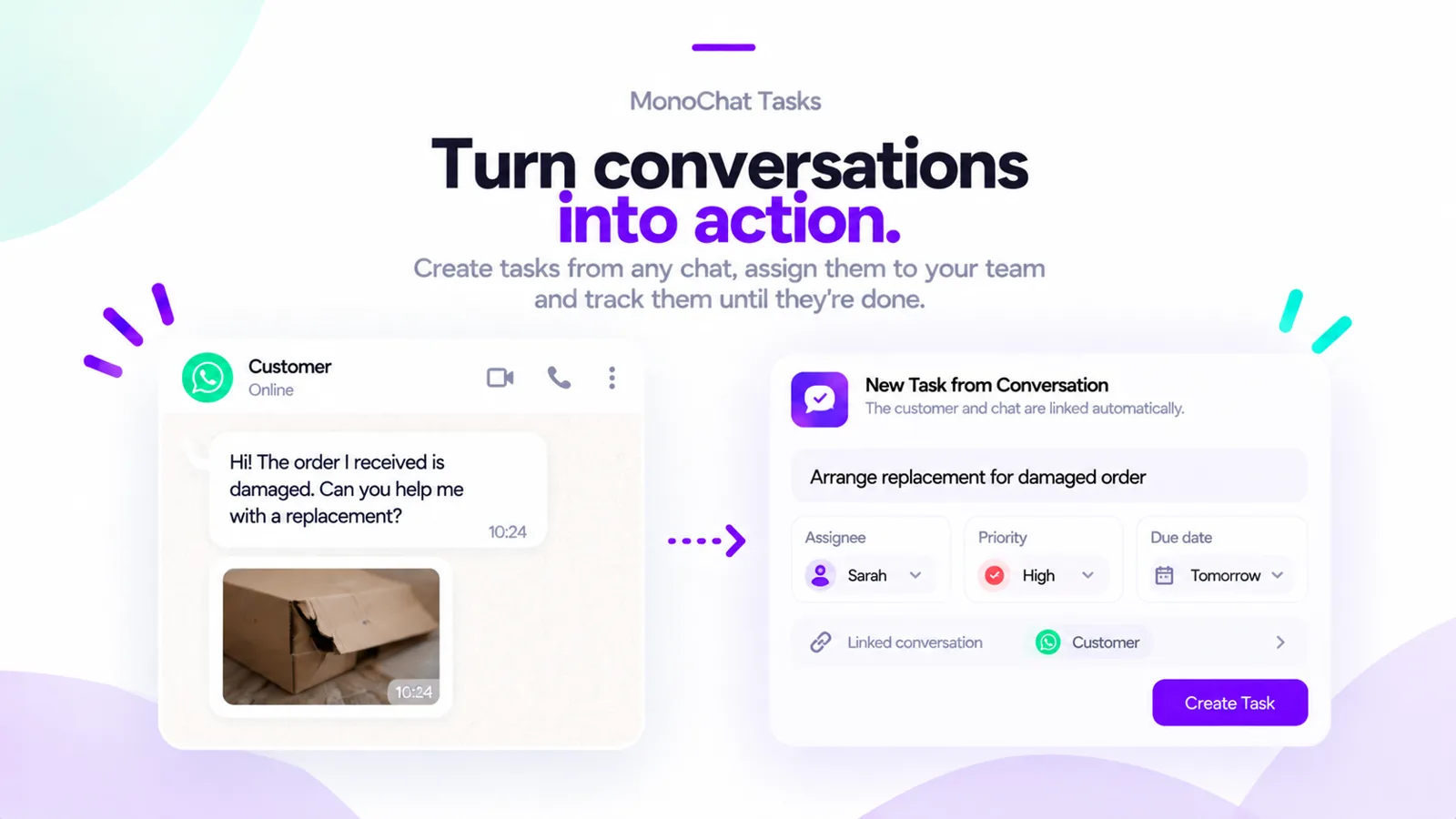 Creating a task from a WhatsApp conversation about a damaged order, with an assignee and a linked conversation
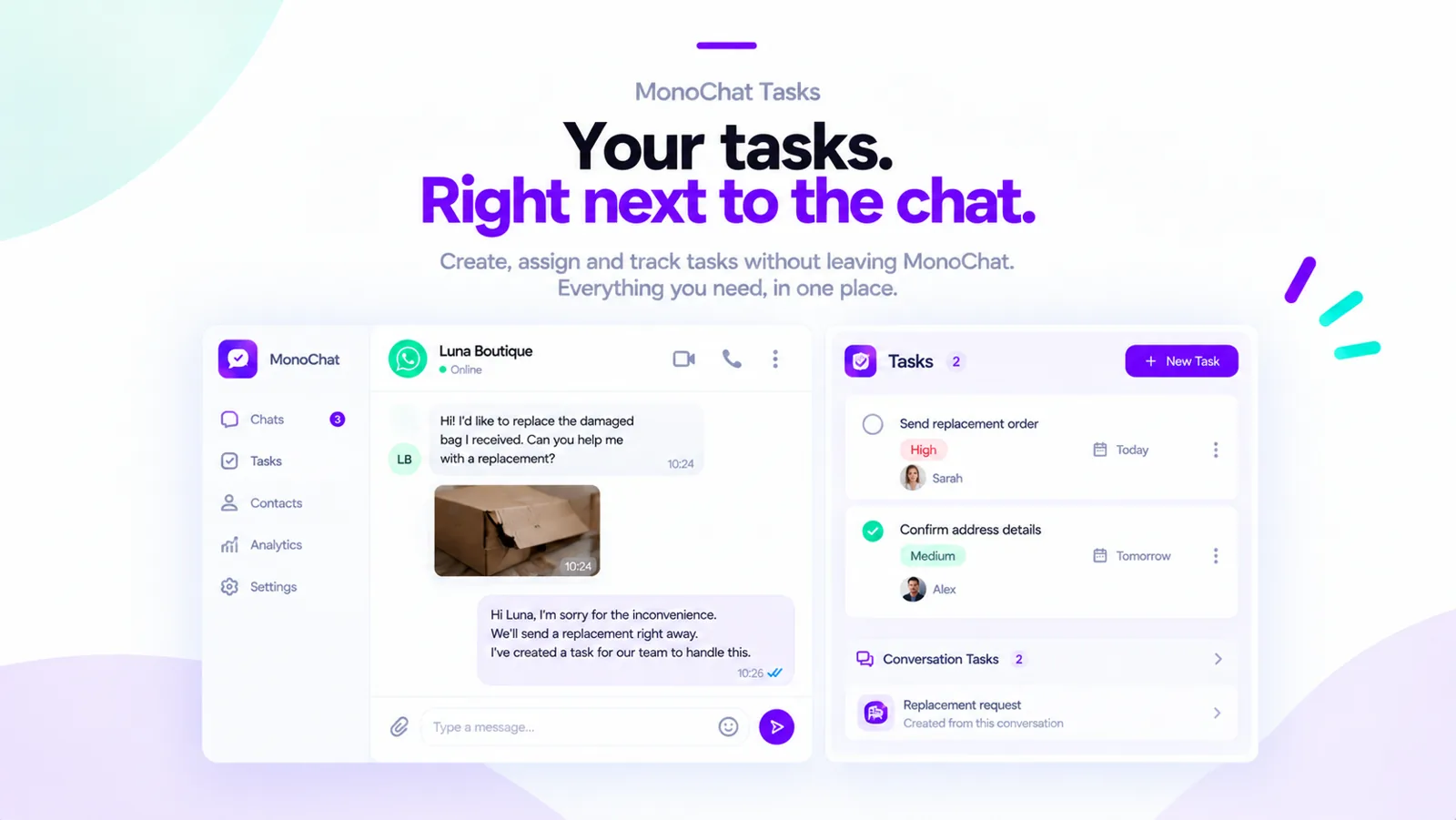 Tasks shown right next to the chat in MonoChat, with the customer’s conversation tasks
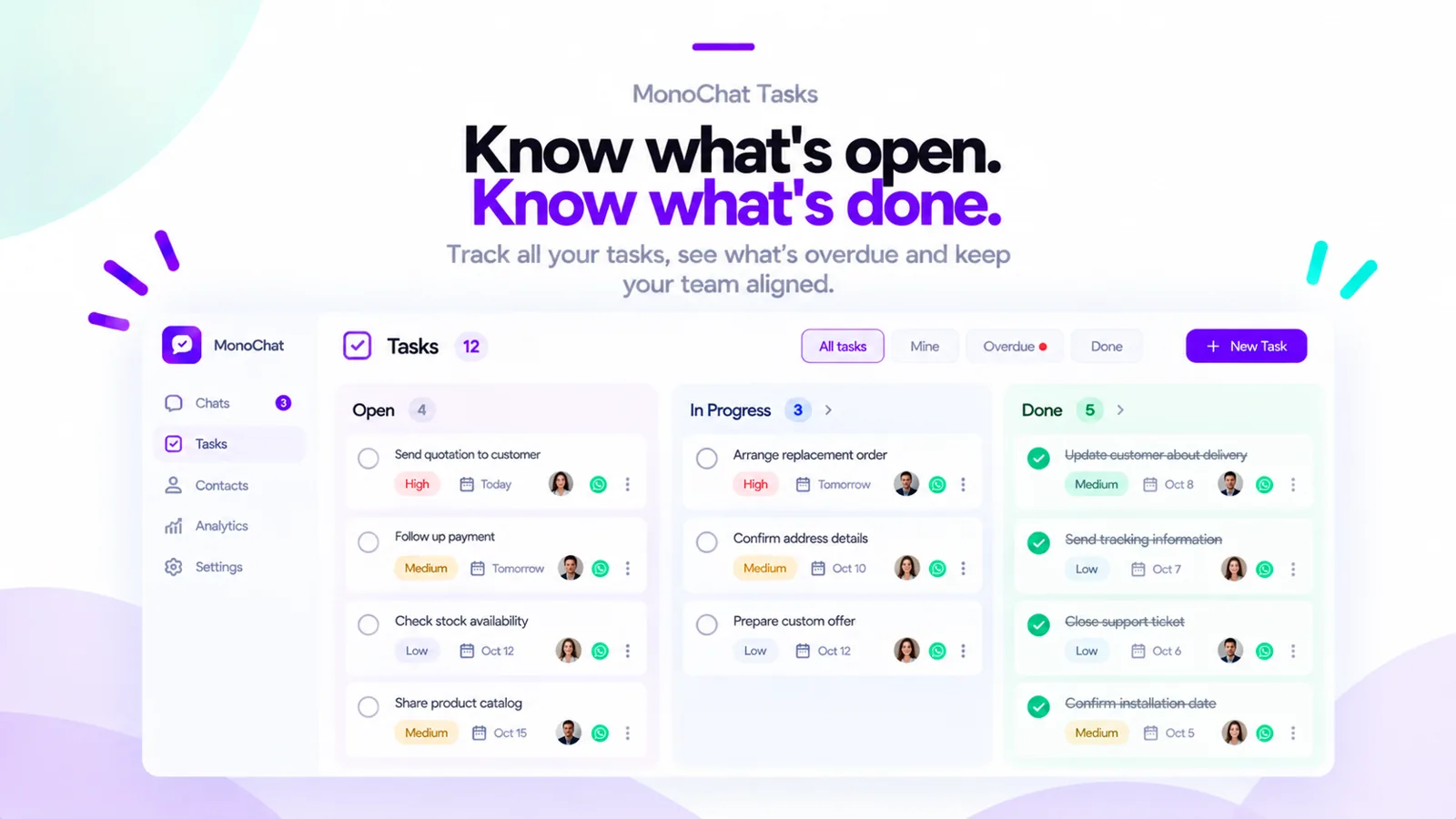 The task list grouped by state: open, in progress and done
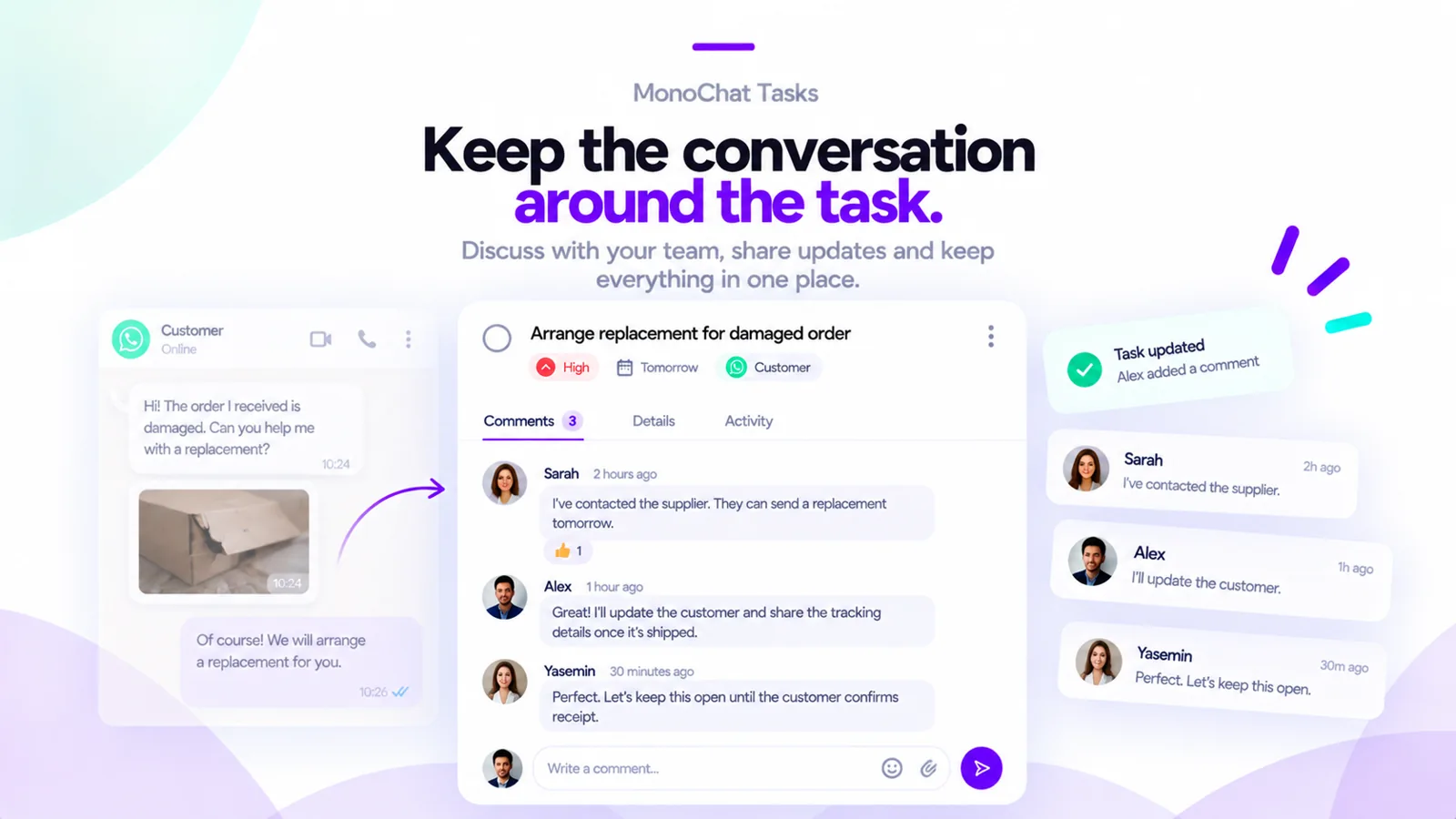 Comments on a task where the team discusses a replacement order
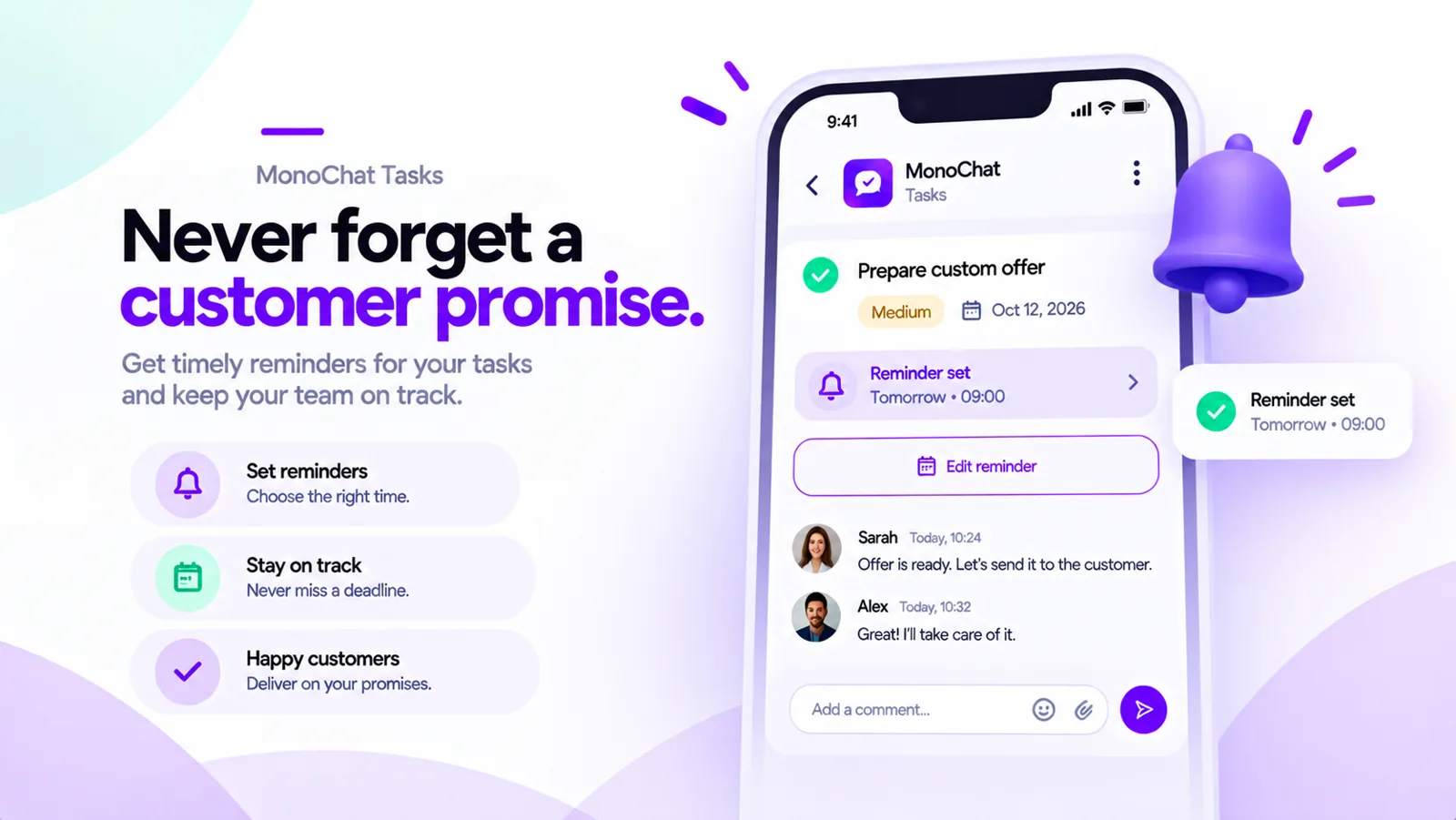 A reminder set on a task so the team keeps a customer promise
FAQ
Is a task linked to the conversation?
Yes. Each task is linked to the customer and the conversation it came from, so both are one click away.
Can I use my own task states?
Yes. Define the states that fit your process under Settings, for example open, in progress and done.
Can my team discuss a task?
Yes. Comments let your team talk about a task inside MonoChat, and new comments are marked.
How do reminders work?
Add a reminder with a date and a note to a task. The Reminders screen lists upcoming and overdue reminders.